Overview
PreStartGo is a compliance platform for plant and equipment that makes the pre-start inspection matter at the machine: a hardware device — the Interlock — is designed to stop a machine starting until a passing inspection has been completed in the mobile app. Around that enforcement sits a full digital compliance record: every inspection, defect, service and bypass, attributed and timestamped, ready for an audit.
Paper checklists get ticked from the cab. App-only systems get skipped when it rains. PreStartGo's answer is the wire: if the check isn't done, the machine doesn't start.
How a pre-start works
- Scan — the operator scans the machine's GoTag with the PreStartGo app, positively identifying the equipment and loading the right checklist. (Scanning is the recommended path, not a forced one — the same inspection can be reached by browsing to the machine in the app.)
- Inspect — the operator works through the guided checklist item by item — Pass, Fail, or N/A — capturing photos and logging defects inline as they go. Critical items block the machine on failure.
- Unlock — on a passing result, the app sends a cryptographically signed Bluetooth command to the machine's Interlock. The relay closes, and the machine can start.
- Record — the full audit trail — operator, timestamp, GPS, checklist version, responses, defects, photos — syncs to the cloud, immutable and audit-ready.
If the inspection fails on a critical item, the machine stays locked and a defect is raised for resolution — see Defect Management Workflow. An emergency bypass path exists for genuine emergencies; a bypass made in the app is logged, attributed, and escalated, and the last-resort button on the Interlock is recorded only on the device — see Emergency Bypass.
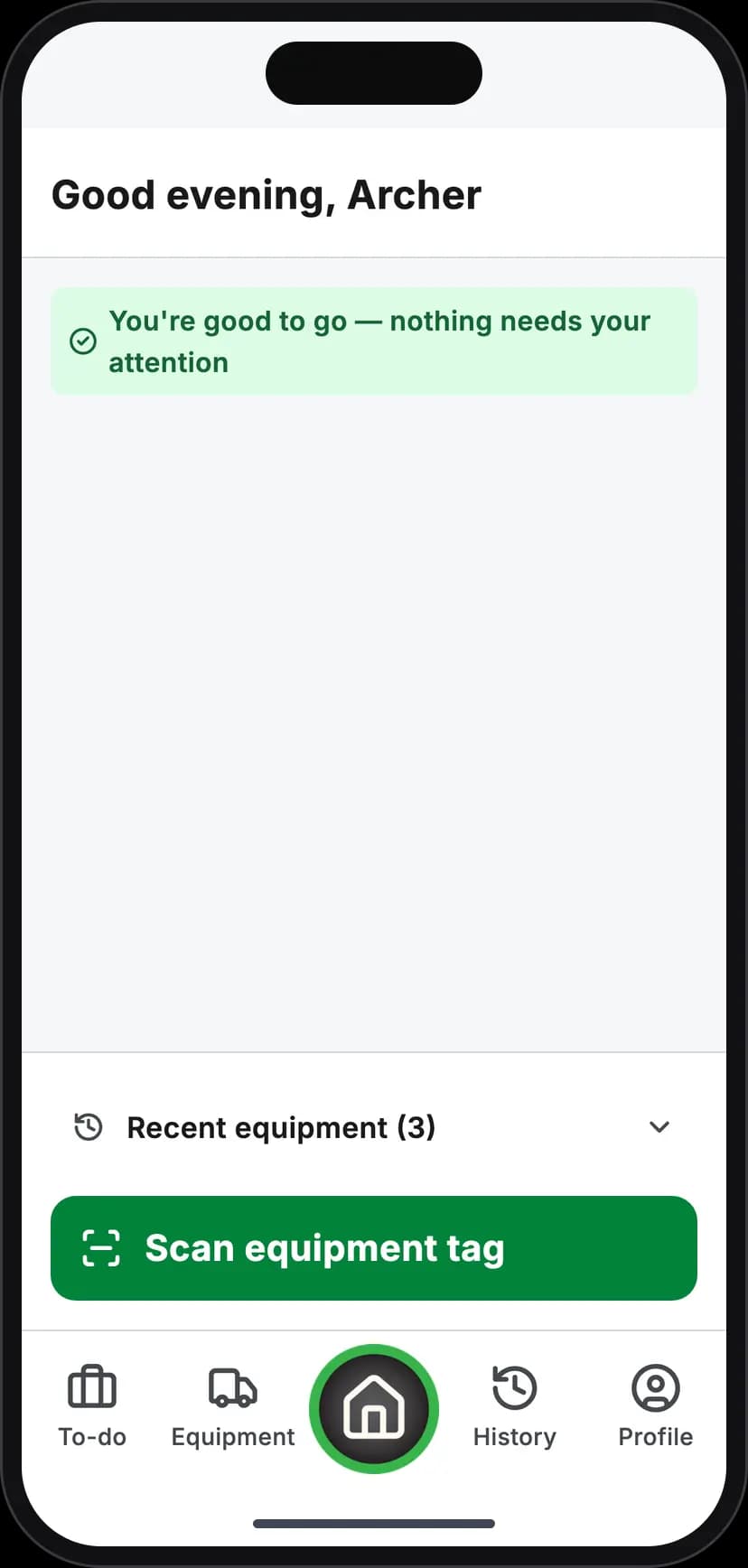
Scan the machine
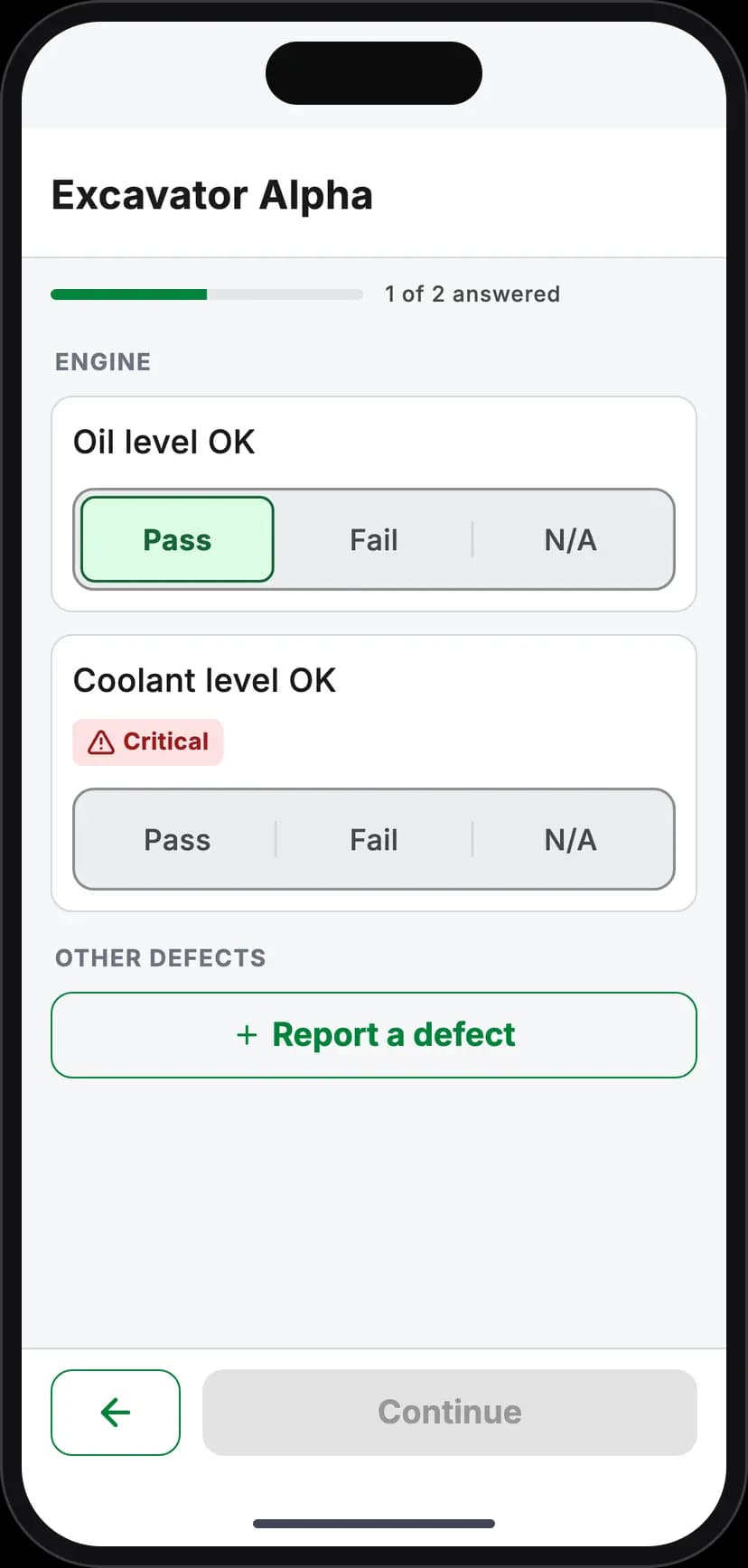
Inspect item by item
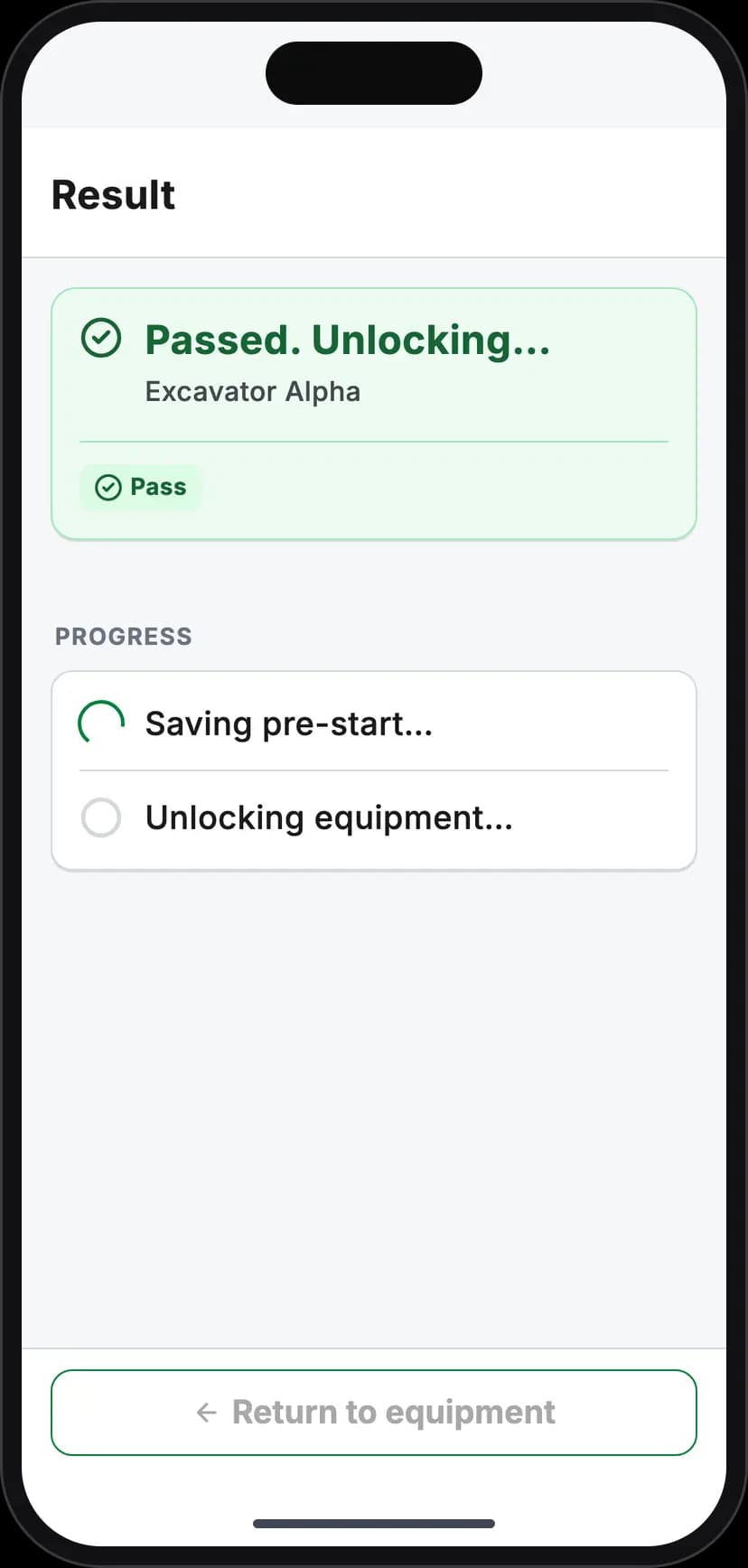
Unlock on a pass
The platform's components
| Component | What it is |
|---|---|
| Interlock | The hardware interlock — a BLE relay device wired into the starter or operator-presence circuit. |
| GoTag | A QR + NFC identity tag on each machine — starts inspections, and serves the public logbook to any phone camera |
| Tracker | A standalone LTE/GNSS tracker for live fleet positioning — no interlock of its own. Coming; not on sale yet |
| Mobile app | The operator's tool — inspections, defects, service work, all offline-first |
| Admin console | The office's view — fleet, people, checklists, sites, compliance reporting |
| Public logbook | The page anyone reaches by scanning a GoTag — current compliance status, no app or login needed |
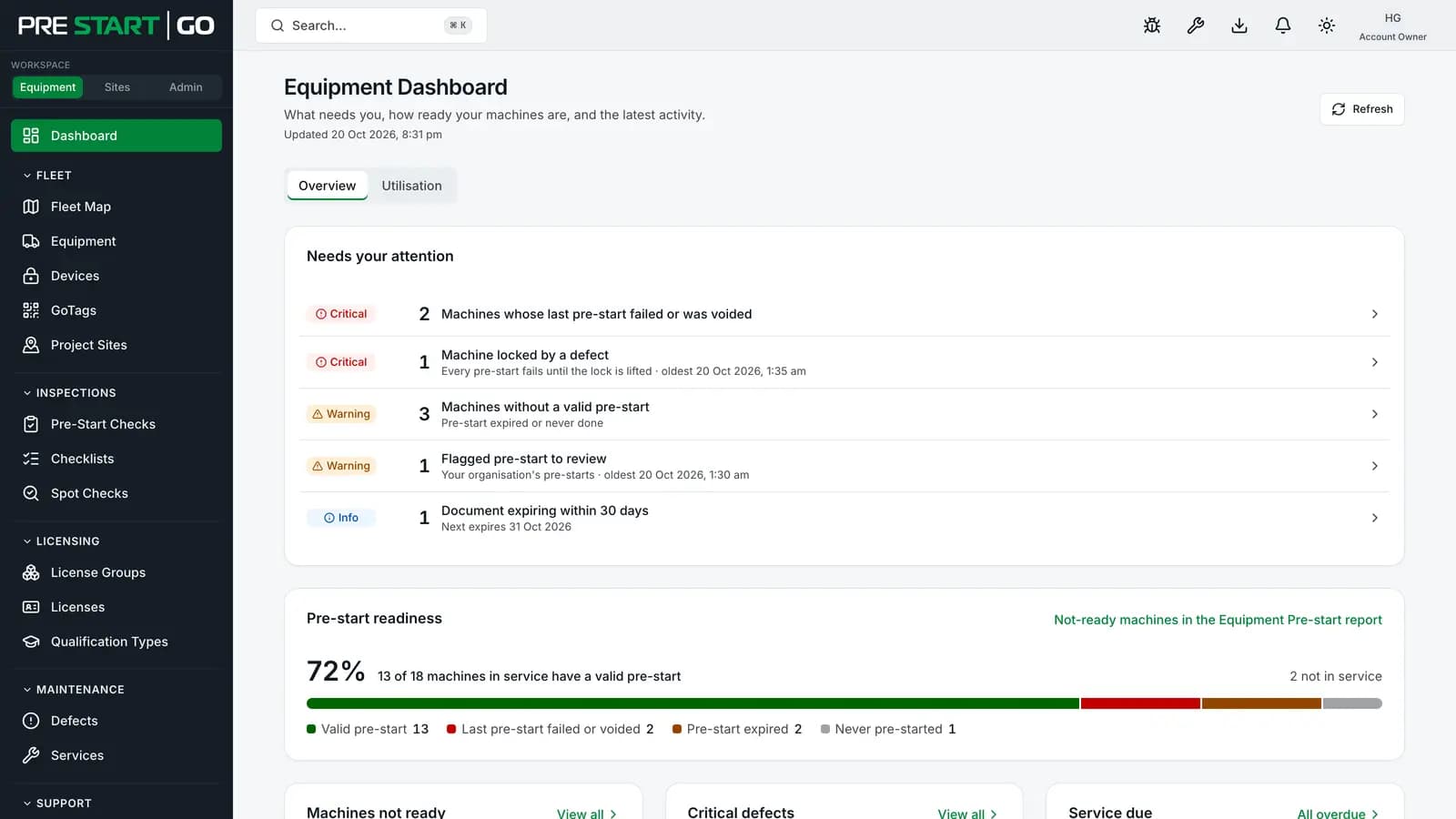
Offline-first, by design
Plant works in basements, tunnels and paddocks, so the mobile app treats no-signal as normal, not exceptional. Inspections run entirely offline: the checklist is cached, the result is computed on the phone, and the unlock is a direct phone-to-Interlock Bluetooth exchange that needs no server at all. The evidence syncs when coverage returns. See Working Offline.
Fail-START, the safety posture
If an Interlock loses power or faults, its relay rests in the position that lets the machine start — the platform calls this Fail-START. Equipment is never stranded in the field by a dead device; a fault suspends enforcement rather than the machine.
The mirror-image rule is that locking is immediate: when a lock condition arises — the inspection window expiring, for example — the Interlock opens its relay straight away. That is safe because of a hard installation rule: the relay is only ever wired into the starter circuit or the operator-presence circuit, never a circuit that carries current while the engine runs, so opening it can never stop a running machine. On a starter-wired install it prevents the next start; on a presence-wired install the machine reads it as the operator leaving the seat.
Plans, briefly
Four plans, shaped around who you are: Plant Operator (free for a small number of machines — start free online), and Contractor, Builder and Hire, which our team sets up for you after a quote. Users are unlimited on every plan; devices each carry their own monthly subscription. See Plans Overview for the details, and Setting Up Your Organisation to get started.
Troubleshooting
Early-days questions that usually turn out to be orientation, not faults:
| Question | Answer |
|---|---|
| "Which app do I sign in to?" | Office staff use the admin console in a browser (email + password); operators use the mobile app (phone number + SMS code). They are separate identities — see Signing In and MFA |
| "The machine won't start — is it broken?" | Check the Interlock's LED first: solid red means an inspection is due, which is the system working — see Interlock overview |
| "Does it work with no phone signal?" | Yes — inspections and unlocks are fully offline; only the sync waits for coverage |
| "Where is our data hosted?" | Australia. See Security Overview |